

EnterpriseConnect CI
Bitrise
Connect Gitar with your Bitrise account to monitor builds, analyze failures, and automatically create fixes when CI builds fail
Prerequisites
Before setting up the Bitrise integration, ensure you have:
- Access to your Bitrise workspace
- Admin permissions to create workspace tokens
Why Use Workspace Tokens?
Bitrise recommends using Workspace API tokens for integrations instead of Personal Access Tokens because:
- Centralized management: One token for the entire workspace rather than individual user tokens
- Simplified setup: No need for each team member to create their own token
- Better security: Token access isn't tied to individual user accounts, preventing disruption when team members leave
- Flexible permissions: Configure different access levels per app or use a single role for all apps
Setting Up Bitrise Integration
To create a Workspace API Token:
- Log into your Bitrise account
- Navigate to your Workspace Settings
- Go to the Security tab
- Click "Create token"
- Configure the token:
- Name: "Gitar Integration"
- Expiration: Set according to your security policy (or no expiration)
- Role access: Choose "All apps" and set role to Developer or higher
- Click "Create" and copy the token immediately (you won't be able to see it again)
i
Recommended Role
For Gitar to monitor builds and access logs, the workspace token needs at least Developer role access to your apps.
- Navigate to your Gitar organization settings
- Go to the Integrations section
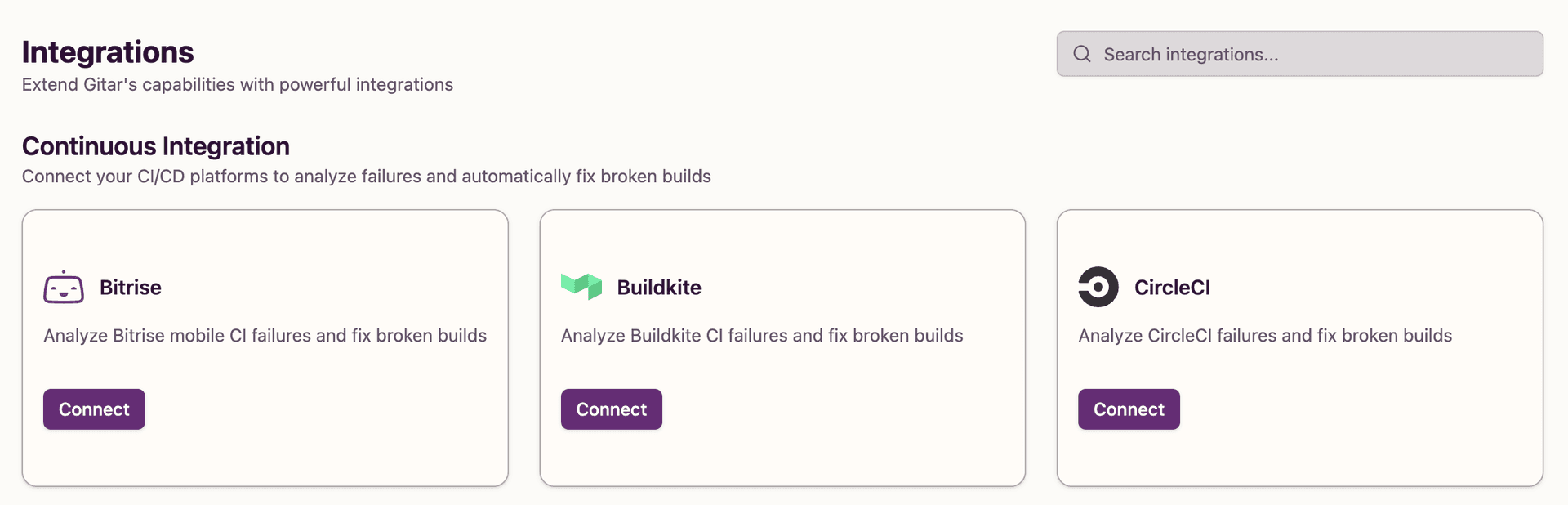
- Look for the Bitrise integration
- Click "Connect" to begin the setup process
When you click the Bitrise "Connect" button, enter your Bitrise Workspace API Token. The token will be securely stored and encrypted.
- Fill in the required workspace token field
- Click "Connect Bitrise" to establish the connection
- If successful, the integration status will show as connected
- If the connection fails, verify your token is valid and has sufficient permissions
Troubleshooting
Security Notes
- API tokens are encrypted and securely stored using AWS Secrets Manager
- Tokens can be revoked at any time from your Bitrise account settings
- We recommend rotating tokens regularly for enhanced security